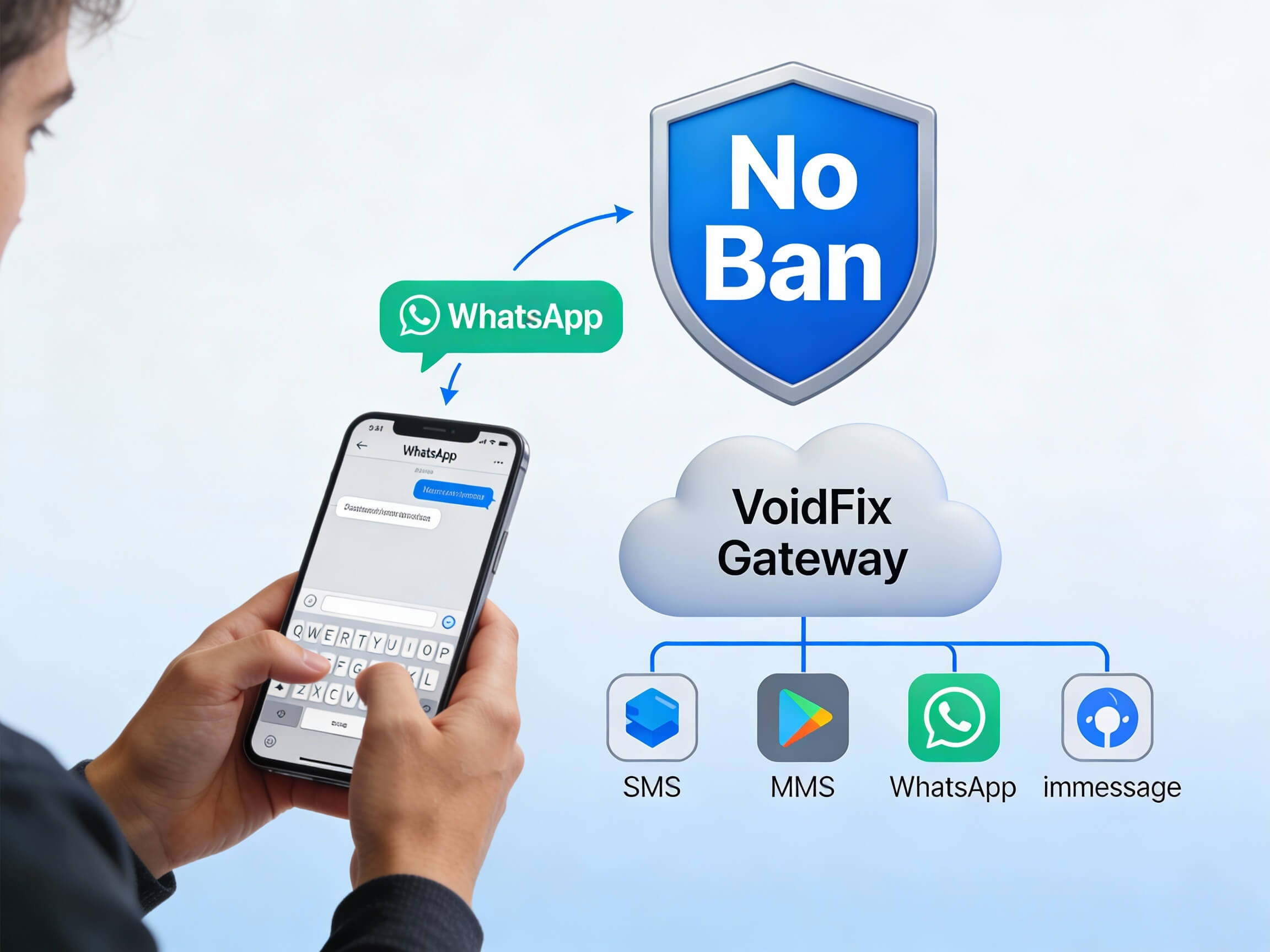
WhatsApp automation turns a busy inbox into a responsive, always-on engagement engine. With chatbots and smart workflows, your business can greet, qualify and help customers in seconds, even outside office hours.
The result is faster responses, happier customers and a team freed from repetitive questions. In this guide we break down how to build WhatsApp automation that feels human, and how VoidFix Gateway makes it affordable to run at scale.
Why WhatsApp Automation Matters for Customer Engagement
Customers expect answers fast, and they expect them on the channels they already use every day. WhatsApp sits at the top of that list, with billions of active users who open the app constantly throughout the day. WhatsApp automation lets your business meet that expectation by responding the moment a message arrives, whether it is 2 in the afternoon or 2 in the morning.
Manual messaging simply cannot keep up once volume grows. A small team can answer a handful of chats, but as your audience expands, response times slow, questions slip through the cracks and customers grow frustrated. Automation closes that gap. It greets every contact, handles the predictable questions instantly, and routes the rest to the right person, so no one waits and nothing is missed.
Chatbots vs Workflows: Knowing the Difference
People often use the words interchangeably, but chatbots and workflows play different roles in a strong automation strategy.
A chatbot is the conversational layer. It listens to what a customer types, interprets intent, and replies with relevant answers or menu options. A good chatbot can answer FAQs, share product details, book appointments and collect information through a guided dialogue.
A workflow is the behind-the-scenes logic that connects events to actions. For example, a workflow might send a welcome message when someone joins your list, follow up three days after a quote, or notify a sales rep when a lead replies with strong buying signals. Workflows often run silently, triggered by data rather than direct conversation.
The most effective WhatsApp automation combines both: a chatbot to handle live conversation and workflows to keep the relationship moving forward over time.
Use Cases That Drive Real Engagement
Automation is only useful when it solves a real problem. Here are the use cases that consistently deliver value on WhatsApp:
Instant FAQ answers: Pricing, hours, shipping, returns and other repetitive questions get answered in seconds.
Lead qualification: A bot asks a few targeted questions to score and segment leads before a human ever steps in.
Appointment booking: Customers pick a slot through a guided chat, with reminders sent automatically.
Order and delivery updates: Confirmations, shipping notices and tracking links keep buyers informed.
Re-engagement: Automated nudges bring back inactive contacts or abandoned carts.
Feedback collection: Quick surveys after a purchase or support interaction capture sentiment while it is fresh.
Each of these reduces friction for the customer and workload for your team at the same time.
How to Build a WhatsApp Chatbot That Feels Human
The biggest risk with automation is sounding like a machine. Customers forgive a bot that is helpful; they abandon one that is cold or confusing. Follow these steps to keep your automation warm and effective:
Map the most common questions first. Pull your real chat history and identify the top 10 to 20 things people ask. Build your bot around those before anything fancy.
Write in a conversational tone. Short sentences, friendly language and the customer's name make a big difference. Avoid jargon and long paragraphs.
Offer clear choices. Buttons and numbered menu options guide people quickly instead of forcing them to guess what to type.
Always offer a human handoff. Make it easy to reach a real agent with a single tap. Nothing frustrates customers more than being trapped in a loop.
Confirm and summarize. When the bot collects details, repeat them back so the customer knows it understood correctly.
Test with real people. Watch how actual users interact, then refine the wording and flow based on where they get stuck.
Done well, an automated chat feels less like talking to software and more like a fast, knowledgeable assistant.
Qualifying and Routing Leads Automatically
One of the highest-value applications of WhatsApp automation is lead qualification. Instead of a sales rep manually triaging every inbound message, a chatbot can ask a short series of questions, such as budget, timeline, location or product interest, and use the answers to score the lead.
High-intent leads can be routed instantly to a salesperson with full context attached, while early-stage prospects receive nurturing content until they are ready. This means your team spends time on conversations that matter rather than sorting through noise. When automation captures the right data up front, every handoff is smoother and conversion rates climb.
To make this work seamlessly, your WhatsApp automation needs to talk to your other tools. Connecting chats to your sales pipeline keeps every lead, reply and status update in sync. Our guide to WhatsApp CRM integration walks through how to wire conversations directly into your pipeline so nothing falls through the cracks.
Measuring and Improving Your Automation
Automation is never set-and-forget. The teams that get the most from it treat their chatbots as living systems that improve over time. Track these metrics to know what is working:
Response time: How fast does the first reply go out? Automation should make this near instant.
Resolution rate: What share of conversations the bot handles fully without a human.
Handoff rate: How often customers ask for a person, and at what step.
Drop-off points: Where users abandon the conversation, revealing confusing flows.
Conversion: How many automated chats lead to a booking, sale or qualified lead.
Review these numbers regularly, look for the moments where customers get stuck, and refine your flows. Small improvements to wording and logic compound into a noticeably better experience.
How VoidFix Gateway Powers Affordable WhatsApp Automation
Building great automation is one thing; running it affordably at scale is another. Many platforms charge per message, which means every automated reply, reminder and follow-up adds to your bill. As your engagement grows, so do your costs.
VoidFix Gateway takes a different approach. Messages are delivered through real numbers and real devices rather than the traditional aggregator pipeline, so there are no per-message platform fees and no A2P or 10DLC registration to slow you down. That predictable, flat model can help businesses save up to around 80% on messaging costs, which matters enormously when automation multiplies your message volume. Deliverability stays high because messages come from numbers carriers trust.
On the integration side, VoidFix Gateway connects to GoHighLevel, popular CRMs, Zapier, Make, webhooks and a REST API. That means your chatbots and workflows can trigger WhatsApp messages from the tools you already use, without complex custom development.
Conclusion
WhatsApp automation and chatbots let you engage customers instantly, qualify leads automatically and free your team from repetitive work, all on the app your audience already loves. The key is to keep automation helpful and human, measure what works, and always leave a clear path to a real person. With the right strategy and an affordable delivery platform behind it, WhatsApp becomes one of your most responsive engagement channels. Ready to put it into action? Start your free 7-day trial of VoidFix Gateway, or contact our team to see how automation can work for your business.