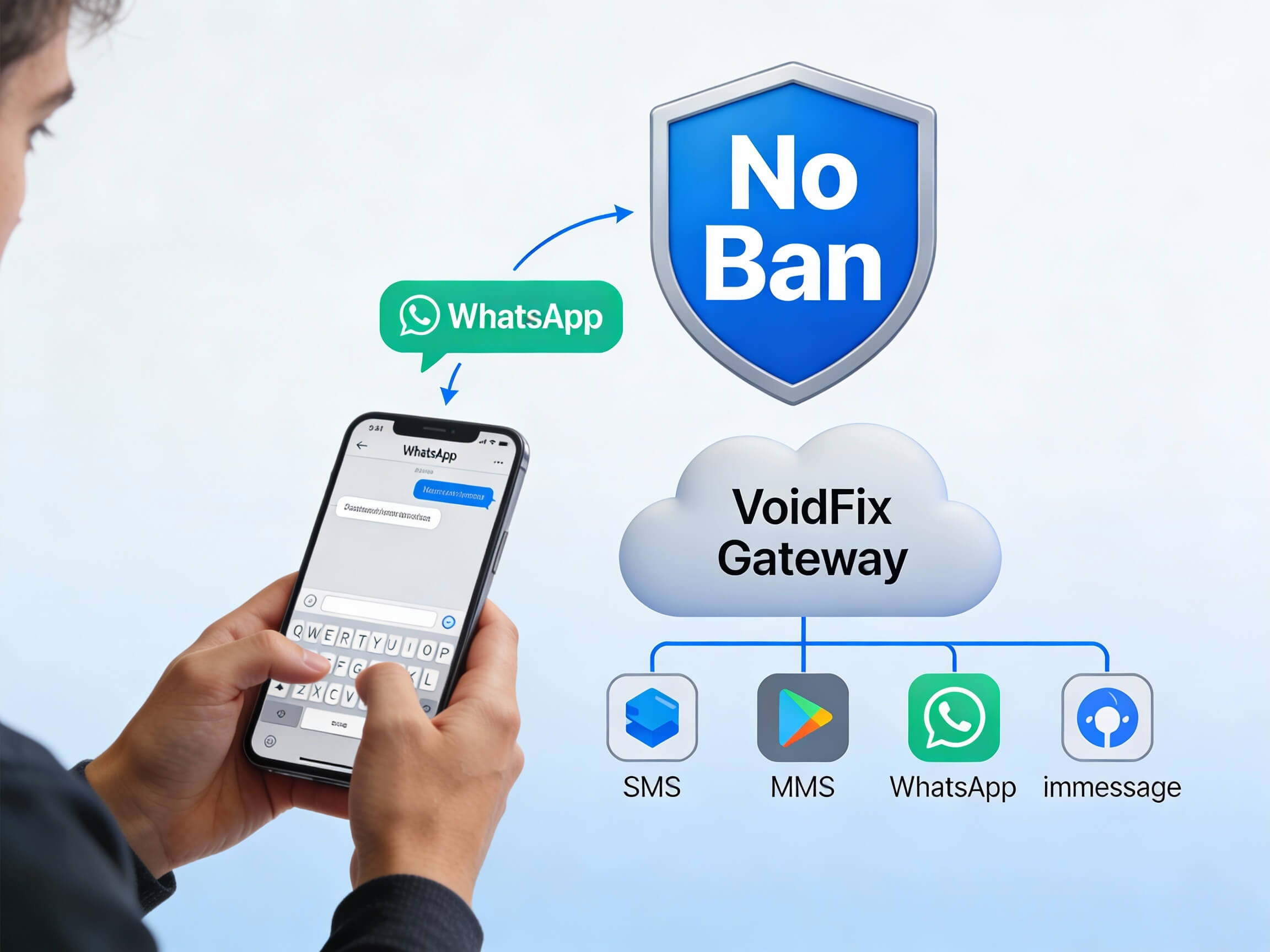
A WhatsApp conversation is only valuable if it lands in your pipeline where your team can act on it. WhatsApp CRM integration connects every message to the right contact, so leads, replies and sales are tracked automatically.
This guide explains how WhatsApp CRM integration works, what to look for and how to set it up cleanly. We will also show how VoidFix Gateway connects WhatsApp to the CRMs and tools you already use.
Why WhatsApp and Your CRM Belong Together
WhatsApp has become a primary channel for sales conversations, support requests and lead inquiries. The problem is that, by default, those conversations live in isolation on a phone or a shared inbox, disconnected from the systems your business actually runs on. WhatsApp CRM integration solves this by syncing every chat to the matching contact record in your CRM, so each interaction becomes structured pipeline data instead of a message that disappears once it is read.
When chats and CRM records are unified, your team gains complete context. A salesperson opening a deal sees the full WhatsApp thread alongside emails, calls and notes. A support agent picks up a conversation knowing exactly what was discussed last week. That continuity is the difference between a polished, professional experience and a disjointed one where customers have to repeat themselves.
What a Connected WhatsApp Pipeline Looks Like
With integration in place, a typical lead journey flows seamlessly through your CRM:
A prospect sends a WhatsApp message after seeing an ad or visiting your site.
The message automatically creates or matches a contact record in your CRM.
A deal or lead is added to the right pipeline stage and assigned to a rep.
The full conversation history syncs to the record so context is never lost.
Replies, notes and status changes update the pipeline in real time.
Automated follow-ups fire based on the stage or the customer's last action.
This eliminates manual copying between apps, which is slow and error-prone. Instead, the data your team relies on stays accurate and current with no extra effort.
The Business Benefits of Integration
Connecting WhatsApp to your CRM is not just a tidiness exercise. It delivers concrete advantages across sales, support and reporting:
No lost leads. Every inbound message becomes a tracked record, so inquiries never slip through the cracks.
Faster response times. Conversations are routed and assigned automatically, so the right person responds quickly.
Smoother handoffs. Shared history means anyone can pick up a conversation without losing context.
Better reporting. Messaging activity feeds into your pipeline metrics, revealing what drives conversions.
Smarter automation. Pipeline events can trigger WhatsApp messages, and WhatsApp events can update the pipeline.
A single source of truth. Customer data lives in one place rather than scattered across phones and apps.
Together, these benefits turn WhatsApp from a casual chat tool into a measurable, accountable part of your revenue engine.
Key Features to Look for in an Integration
Not all integrations are equal. When evaluating how to connect WhatsApp to your pipeline, prioritize a few essentials.
Two-way message sync
Both incoming and outgoing messages should appear in the CRM in real time. One-directional sync leaves gaps that defeat the purpose of having a single view of the customer.
Automatic contact matching
The integration should intelligently match a phone number to an existing contact or create a new one, avoiding duplicates that clutter your database.
Trigger-based automation
Look for the ability to launch workflows from messaging events, such as creating a task when a customer replies or moving a deal forward after a confirmation.
Reliable delivery
An integration is only as good as the messages it sends. Deliverability problems undermine even the best CRM setup, which is why the underlying sending infrastructure matters so much.
How VoidFix Gateway Connects WhatsApp to Your Pipeline
VoidFix Gateway is built to slot directly into the tools you already use. It integrates with GoHighLevel, popular CRMs, Zapier, Make, webhooks and a REST API, so you can connect WhatsApp to almost any modern pipeline. Whether you want a native GHL connection or a custom flow built on webhooks, the path is straightforward, and your conversations stay in sync with your contact records.
What sets VoidFix Gateway apart is the delivery model underneath the integration. Messages are sent from real mobile numbers and real devices rather than the traditional aggregator pipeline, which supports high deliverability from numbers that carriers and recipients trust. There is no A2P or 10DLC registration to navigate, no carrier vetting delays and no campaign approval queues slowing down your launch.
Pricing follows a predictable subscription rather than stacking per-message platform fees, helping businesses save up to around 80 percent on messaging costs as volume grows. That means you can sync an active, high-volume WhatsApp pipeline without watching your costs spiral. If you want to wire WhatsApp into a particular CRM, you can contact our team to map it out, or simply start your free trial and connect it yourself.
Setting Up Your Integration Cleanly
A successful integration starts with a tidy foundation. Clean up your CRM data first so duplicate or incomplete contacts do not create confusion once messages start flowing in. Decide how new WhatsApp leads should be categorized, which pipeline stage they enter and who owns them.
Next, define your automation rules deliberately. Decide which events should trigger which actions, and keep the logic simple at first so it is easy to test. Once the basics work, you can layer on more advanced workflows like automated follow-up sequences. For inspiration on building those sequences, our guide to WhatsApp automation and chatbots covers how to keep conversations moving around the clock.
Finally, test thoroughly before going live. Send messages through the full flow, confirm they appear correctly in the CRM and verify that automations fire as expected. A short testing phase prevents the kind of data mess that is painful to untangle later.
Avoiding Common Integration Pitfalls
A few mistakes tend to trip up teams new to WhatsApp CRM integration. Over-automating from day one can flood reps with low-quality tasks, so start simple. Ignoring consent is another risk, because every contact you message should have agreed to hear from you. And neglecting data hygiene allows duplicates to accumulate until reporting becomes unreliable. Address these early and your integration will stay clean and trustworthy as it scales.
Conclusion: One Pipeline, Every Conversation
WhatsApp CRM integration transforms scattered chats into structured pipeline intelligence, ensuring every lead, reply and sale is captured where your team can act on it. With two-way sync, automatic contact matching and trigger-based automation, your WhatsApp conversations become a fully accountable part of your sales and support operation. VoidFix Gateway brings this together with broad CRM integrations and reliable real-device delivery at predictable cost, so you can grow without limits. Start your free 7-day trial and connect your WhatsApp chats to your pipeline today.