Email gets ignored and SMS gets lost, but WhatsApp notifications land where your customers already spend their day. Order confirmations, shipping updates and reminders all reach people in a channel they check constantly.
This guide covers the types of WhatsApp notifications you can send, how to format them well, and the rules that keep your account healthy. We will also show how VoidFix Gateway makes sending operational WhatsApp messages affordable and reliable.
Why WhatsApp Is the Best Channel for Notifications
When a customer places an order, books an appointment or makes a payment, they expect a fast confirmation. WhatsApp notifications meet that expectation better than almost any other channel because the app sits at the center of how billions of people communicate every day. A message that lands in WhatsApp is far more likely to be seen, and seen quickly, than one buried in a crowded email inbox or filtered into a spam folder.
Operational messages also benefit from WhatsApp's rich format. Instead of a plain block of text, you can include the customer's name, a formatted order summary, a tracking link and even an image of the product. That clarity reduces confusion and the support tickets that come with it. When people can instantly understand what happened and what to do next, they trust your business more.
The Main Types of WhatsApp Notifications
Notifications cover the full lifecycle of a customer relationship. The most common categories businesses send include:
Order confirmations sent the moment a purchase is completed, summarizing items, totals and the expected timeline.
Payment and receipt alerts confirming a charge, refund or failed payment so customers are never left guessing.
Shipping and delivery updates that tell customers when an order is dispatched, out for delivery or delayed, with live tracking links.
Appointment reminders that cut no-shows by nudging customers a day or hour before a booking.
Account and security alerts such as login notices, password changes and subscription renewals.
Service status messages like reservation confirmations, ticket updates or back-in-stock alerts.
Each of these is tied to a real event, which is exactly why they feel welcome rather than intrusive. Customers asked for the underlying action, so the notification is a continuation of a conversation they started.
How to Write Notifications That Get Read
The best notifications are short, specific and actionable. A customer scanning their phone should grasp the message in a couple of seconds. Lead with the most important fact, such as Your order has shipped, then follow with supporting detail and a single clear action. Burying the point under a paragraph of pleasantries defeats the purpose.
Personalize every message
Use the customer's name and reference the specific order, appointment or account event. A message that says Hi Sarah, your order #4821 is on its way reads as a real update, not a generic blast. Dynamic fields pulled from your system make this effortless at scale.
Keep one clear call to action
Whether it is tracking a package, rescheduling an appointment or viewing a receipt, give the customer one obvious next step with a tappable link. Multiple competing actions in a single notification dilute the response and create hesitation.
Format for fast scanning
WhatsApp supports bold, italics and lists. Use them to break an order summary into readable lines rather than a wall of text. Good formatting signals professionalism and makes the information easier to absorb on a small screen.
Consent, Compliance and Opt-Outs
Even though notifications are operational rather than promotional, WhatsApp still expects you to message only people who have agreed to hear from you. Collect consent transparently at the point where the customer engages, such as a checkbox at checkout or a clear statement during signup. Tell people what kinds of messages they will receive so there are no surprises later.
Respect opt-outs the instant they are requested. If a customer no longer wants reminders, stop sending them and confirm the change. This protects your sender reputation and keeps your account in good standing. Mixing heavy marketing into notification flows is the fastest way to draw complaints, so keep transactional and promotional streams separate. For a deeper look at building permission-based audiences, see our guide to WhatsApp marketing campaigns.
Automating Notifications End to End
Sending notifications manually does not scale. The real power comes from wiring WhatsApp into the systems that already know when something has happened. When your e-commerce platform marks an order as shipped, that event should automatically trigger a message without anyone lifting a finger.
A typical automated flow looks like this:
An event occurs in your store, CRM or booking tool, such as a new order or a confirmed appointment.
The event is passed to your messaging gateway through an API call, webhook or a connector like Zapier or Make.
The gateway assembles the message with the customer's details merged in.
The notification is delivered to the customer on WhatsApp within seconds.
Delivery and read status flows back so you can confirm receipt and track performance.
This kind of automation turns notifications into a reliable background process. It runs around the clock, never forgets and never sends late. You can start your free trial to see how quickly these flows can be connected.
How VoidFix Gateway Powers Reliable Notifications
The biggest hidden challenge with high-volume notifications is cost and deliverability. Traditional messaging providers stack per-message platform fees on top of every alert you send, which adds up fast when you are confirming thousands of orders a day. VoidFix Gateway takes a different approach. Messages are sent from real mobile numbers and real devices rather than the traditional aggregator pipeline, which means high deliverability from numbers carriers and recipients trust.
Because of this real-device model, there is no A2P or 10DLC registration to wrestle with, no carrier vetting delays and no campaign approval queues. You also avoid per-message platform fees in favor of a predictable subscription, which can cut messaging costs by up to around 80 percent compared with conventional setups. For businesses sending a steady stream of operational alerts, that difference is enormous over a year.
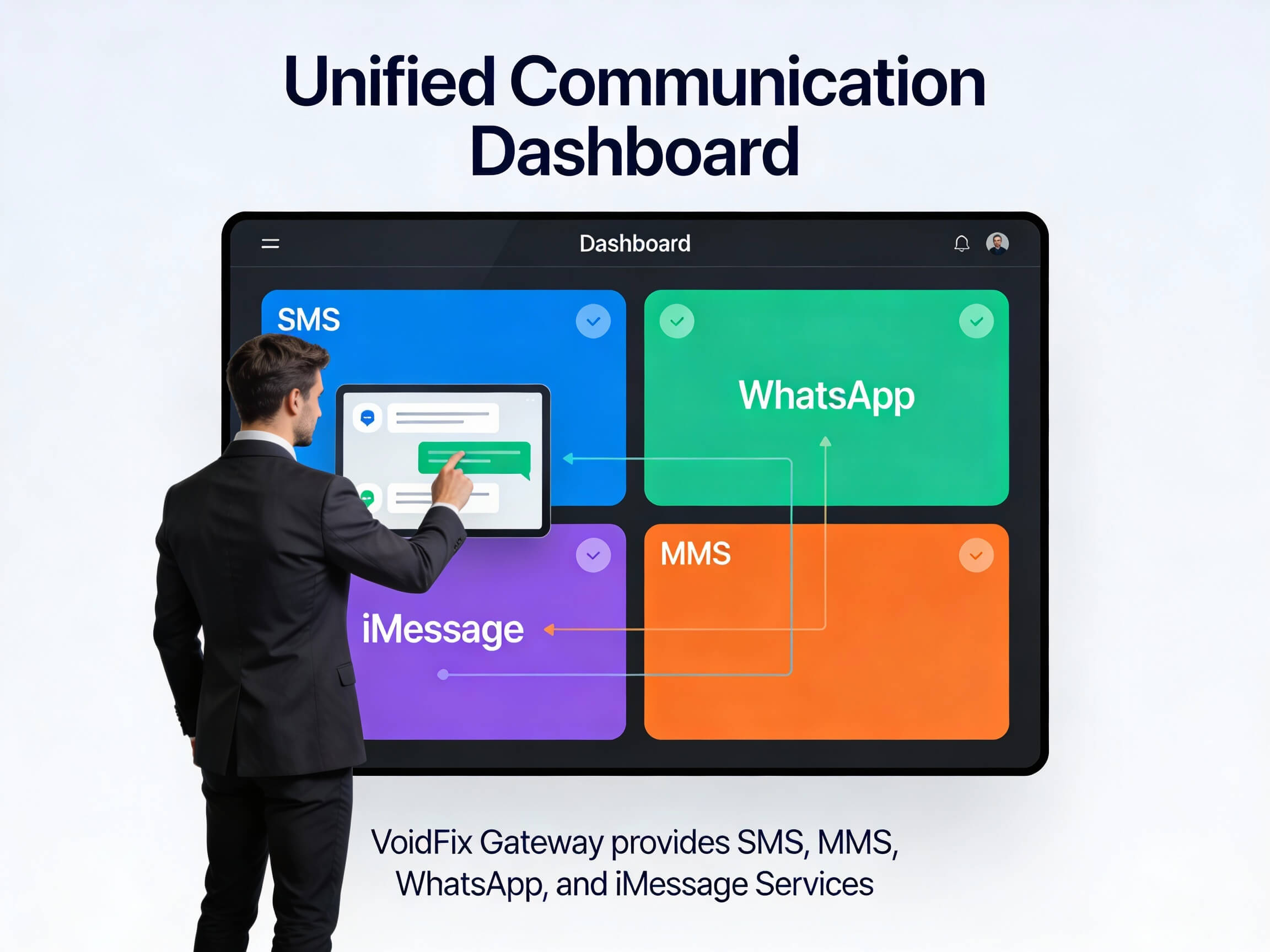
VoidFix Gateway connects to the tools you already use, including GoHighLevel, popular CRMs, Zapier, Make, webhooks and a REST API. That makes it straightforward to trigger order confirmations, shipping alerts and appointment reminders directly from your existing stack. If you have questions about a specific notification workflow, you can contact our team for guidance.
Measuring and Improving Notification Performance
Notifications are not a set-and-forget channel. Track delivery rates, read rates and the click-through on any links you include. If a particular reminder is not driving the action you want, experiment with timing, wording or formatting. Sending an appointment reminder both a day and an hour before, for example, often reduces no-shows more than a single nudge.
Watch for patterns in customer replies too. Notifications often prompt questions, and being ready to respond turns a one-way alert into a helpful conversation. Over time, this feedback loop sharpens both your messaging and your overall customer experience.
Conclusion: Make Every Update Count
WhatsApp notifications give your business a direct, trusted line to customers at exactly the moments that matter most. Done well, order updates, alerts and reminders reduce confusion, cut no-shows and build lasting confidence in your brand. The key is sending the right message at the right time, with consent, automation and reliable delivery behind it. VoidFix Gateway brings all of that together with real-device delivery and predictable pricing, so you can scale notifications without scaling your costs. Start your free 7-day trial and put dependable WhatsApp notifications to work for your customers today.