Short answer: iMessage for business means messaging customers on iPhone, iPad and Mac through iMessage, so your texts arrive as blue bubbles with photos, video and read receipts. There are two routes. With Apple Messages for Business, the customer must message you first. With a real iPhone line, you can start the conversation from your own number.
What is iMessage for business?
iMessage for business is the use of Apple's built-in messaging service to talk with customers who own Apple devices. Your message lands in the Messages app, in the same list as texts from friends and family. It shows as a blue bubble and supports rich media, typing indicators and read receipts.
Apple describes the mechanics plainly. iMessage messages appear in blue bubbles, travel over Wi-Fi or cellular data, and are encrypted end-to-end between devices. That is why many businesses treat iMessage as their most personal text channel for Apple users.
This guide is the starting point for our iMessage series. It explains what the channel is, the two ways businesses use it, where it fits next to SMS and WhatsApp, and the limits to plan for.
How is iMessage different from SMS?
SMS is a carrier service. It works on every mobile phone, but it is plain text with a 160-character segment limit. iMessage runs over the internet between Apple devices and carries full-quality images, video, voice notes and link previews.
On an iPhone, the colour tells the customer which one they received. Per Apple, SMS/MMS and RCS messages appear in green bubbles, and SMS needs a carrier text plan. RCS on iPhone needs iOS 18 and a carrier that supports it. For a full side-by-side, read our iMessage vs SMS comparison for business.
What are the two ways to use iMessage for business?
People often mix up two different products. Both put your business in the Messages app, but they work in opposite directions.
Apple Messages for Business
Apple Messages for Business is Apple's own customer-service channel. According to Apple's Messages for Business FAQ, the customer starts the chat by tapping a Messages button, for example on your website or in Maps. The business never sees the customer's phone number. It receives an anonymous "opaque ID" instead. To run it, a company needs an Apple-approved Messaging Service Provider (MSP).
That model suits inbound support at large brands. It does not let you send a reminder, follow up a lead or message a list first.
A real iPhone line
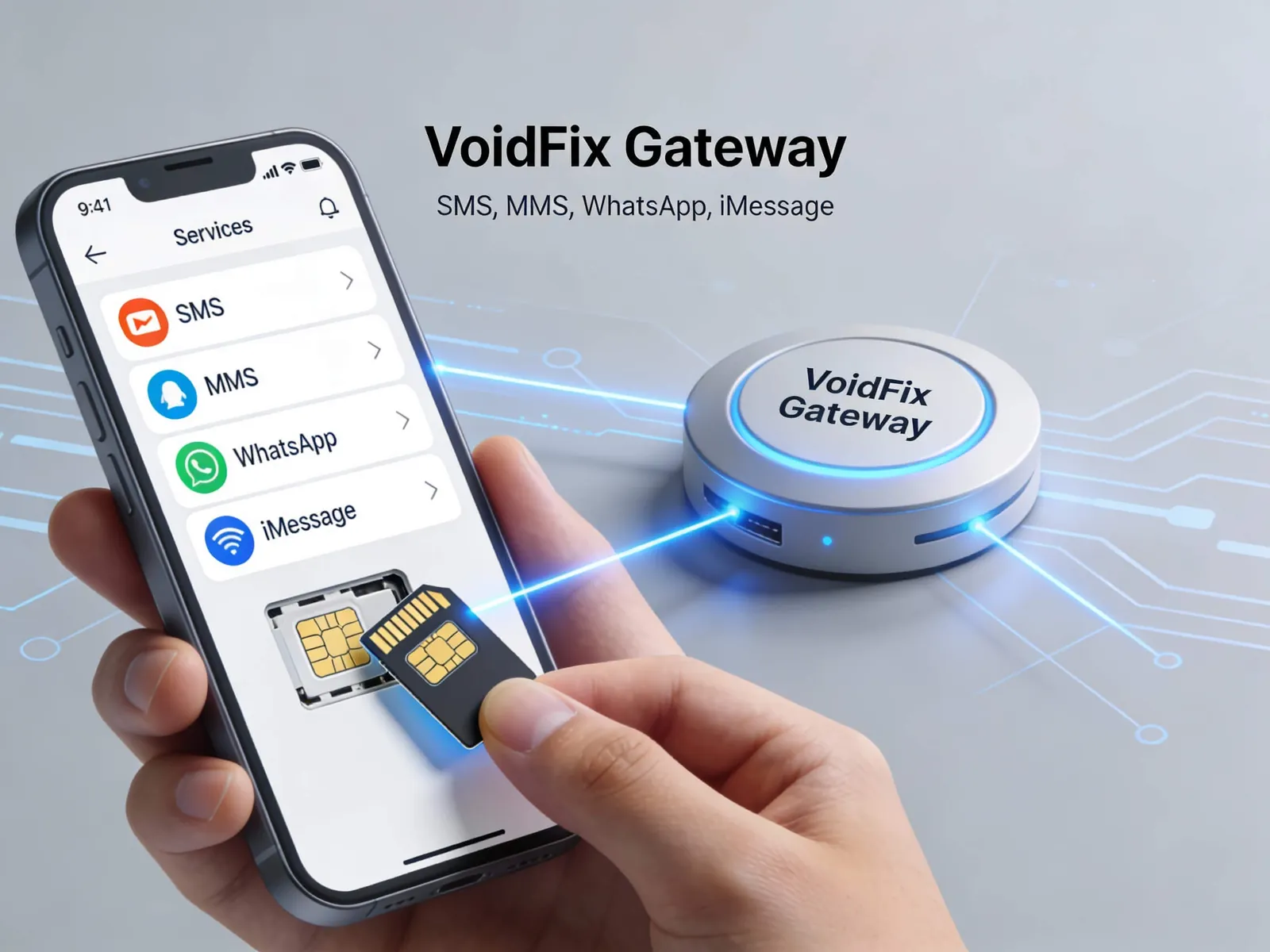
The second route sends normal iMessages from a real iPhone with its own SIM and number. The customer sees a blue bubble from your number, and you can start the conversation with people who have given you their number. This is how VoidFix Gateway works. Each line is a real iPhone that is connected to your dashboard, your CRM or the API.
Side-by-side comparison
| Question | Apple Messages for Business | Real iPhone line (VoidFix) | SMS |
|---|---|---|---|
| Who starts the conversation? | Only the customer | Either side, with consent | Either side, with consent |
| What do you need? | An Apple-approved MSP | An iPhone with a SIM, your own or managed for you | A number from a carrier or SMS provider |
| What does the business see? | An anonymous opaque ID | The customer's phone number | The customer's phone number |
| Who can you reach? | Apple devices on iOS 11.3+ or macOS 10.13.4+ | Apple users with iMessage turned on | Any mobile phone |
| How does it look on iPhone? | A business chat in the Messages app | Blue bubble from your number | Green bubble |
| Can you message a list first? | No | Yes, up to 50 unique contacts per day per line | Yes, within carrier rules |
| Best for | Inbound customer service | Reminders, follow-ups, sales and support chats | Alerts that must reach every phone |
Why do customers trust the blue bubble?
Apple users see blue bubbles from the people they talk to every day. When your business arrives in the same colour, the message looks like a conversation rather than an ad. A green text from an unknown number, on the other hand, is easy to mistake for spam.
The trust only lasts if the content earns it. Send relevant messages, make the next step obvious and honour opt-outs. We cover the perception side in detail in why iPhone users trust blue bubble messages.
Which iMessage features can businesses use?
- Photos and video in full quality: show a product, a receipt or a map without the heavy compression of MMS.
- Voice notes and GIFs: a short voice note from a rep feels personal in a way a template cannot.
- Read receipts: when the customer has them turned on, you can see that a reminder was read.
- Typing indicators and Tapbacks: replies feel like a live chat, and customers can react with one tap.
- Link previews: links show a title and image, so customers can see where a link goes before they tap.
- Contact Card: share your business name and details so customers recognise who is texting.
For examples of each feature in use, see our guide to iMessage rich messaging features.
When is iMessage the right channel?
iMessage works best where trust, presentation and a reply matter more than reaching every handset. The most common jobs are:
- Appointments and orders: confirmations, reminders, reschedules and delivery updates. See how to automate appointment and order messages with iMessage.
- Sales follow-up: a fast, personal first text to a new lead. See iMessage for sales teams and lead follow-up.
- Customer support: two-way help with photos and read receipts. See iMessage for customer support.
- E-commerce: cart reminders, order updates and VIP offers. See iMessage for e-commerce stores.
- Campaigns: small, targeted promotions to customers who opted in. See iMessage marketing campaigns.
Where does iMessage fit with SMS and WhatsApp?
iMessage complements SMS and WhatsApp. It only reaches Apple users, so you still need another channel for Android phones. A simple split works for most teams:
- Use iMessage for Apple users when the message benefits from trust and a reply.
- Use SMS for universal reach, since it works on every phone.
- Use WhatsApp for customers and regions where WhatsApp is the default chat app.
VoidFix Gateway runs all three from one account, with the same integrations. Our SMS plans and WhatsApp plans sit alongside the iMessage lines.
What limits should you plan for?
- Daily reach: each VoidFix line can message up to 50 unique contacts per day. Add lines for more daily reach.
- Apple only: iMessage cannot reach Android phones. Keep SMS or WhatsApp for those contacts.
- Consent: only message people who gave you their number and agreed to hear from you. Honour opt-out requests straight away.
- Sending patterns: new lines need a gentle start. VoidFix includes Number Warmup on both iMessage plans.
Our iMessage deliverability guide and bulk iMessage sending guide go deeper on volume and line health.
How does VoidFix Gateway send iMessage for business?
Each VoidFix iMessage line is a real iPhone with its own SIM, number and Apple account. You send and receive from the dashboard, from GoHighLevel workflows, or from Zapier, Zoho, N8N and HubSpot. Developers can use the REST API, covered in our iMessage API integration guide. Replies come back to your dashboard or CRM in real time. No Mac is required.
There are two ways to get a line:
- Bring Your Own iPhone: $99 per month per line, with no setup fee. You provide the iPhone and SIM, and the team connects it.
- Fully Managed: $149 per month per line plus a one-time $149 setup. VoidFix supplies, sets up and manages the iPhone and SIM.
Both plans include 50 unique contacts per day, rich media, Number Warmup, the Contact Card and no per-message fees. Lines are set up with our team on a short call. See the VoidFix iMessage gateway for how it works, or compare plans on the iMessage pricing page.
Frequently asked questions
Can a business send iMessage to Android phones?
No. iMessage only works between Apple devices. To reach Android users, use SMS or WhatsApp. VoidFix runs both alongside iMessage from one account.
Is Apple Messages for Business the same as iMessage for business?
Not quite. Apple Messages for Business is Apple's customer-service channel. The customer must start the conversation, and the business needs an Apple-approved Messaging Service Provider. A real iPhone line sends normal iMessages from your own number, so you can message customers first, with their consent.
Do I need a Mac to send iMessage for business?
No. Each VoidFix line runs on a real iPhone, either your own or one VoidFix supplies and manages. You send from the dashboard, your CRM or the API.
How many people can one iMessage line message per day?
Each VoidFix line can reach up to 50 unique contacts per day, with no per-message fees. Add more lines if you need more daily reach.
How much does iMessage for business cost with VoidFix?
Bring Your Own iPhone is $99 per month per line with no setup fee. Fully Managed is $149 per month per line plus a one-time $149 setup fee.
Next steps
If your customers use iPhones, iMessage gives you a channel they already check and trust. Start with one line for the job that matters most, such as appointment reminders or lead follow-up, and measure replies. Book an iMessage setup call and our team will help you pick a plan and connect your first line.